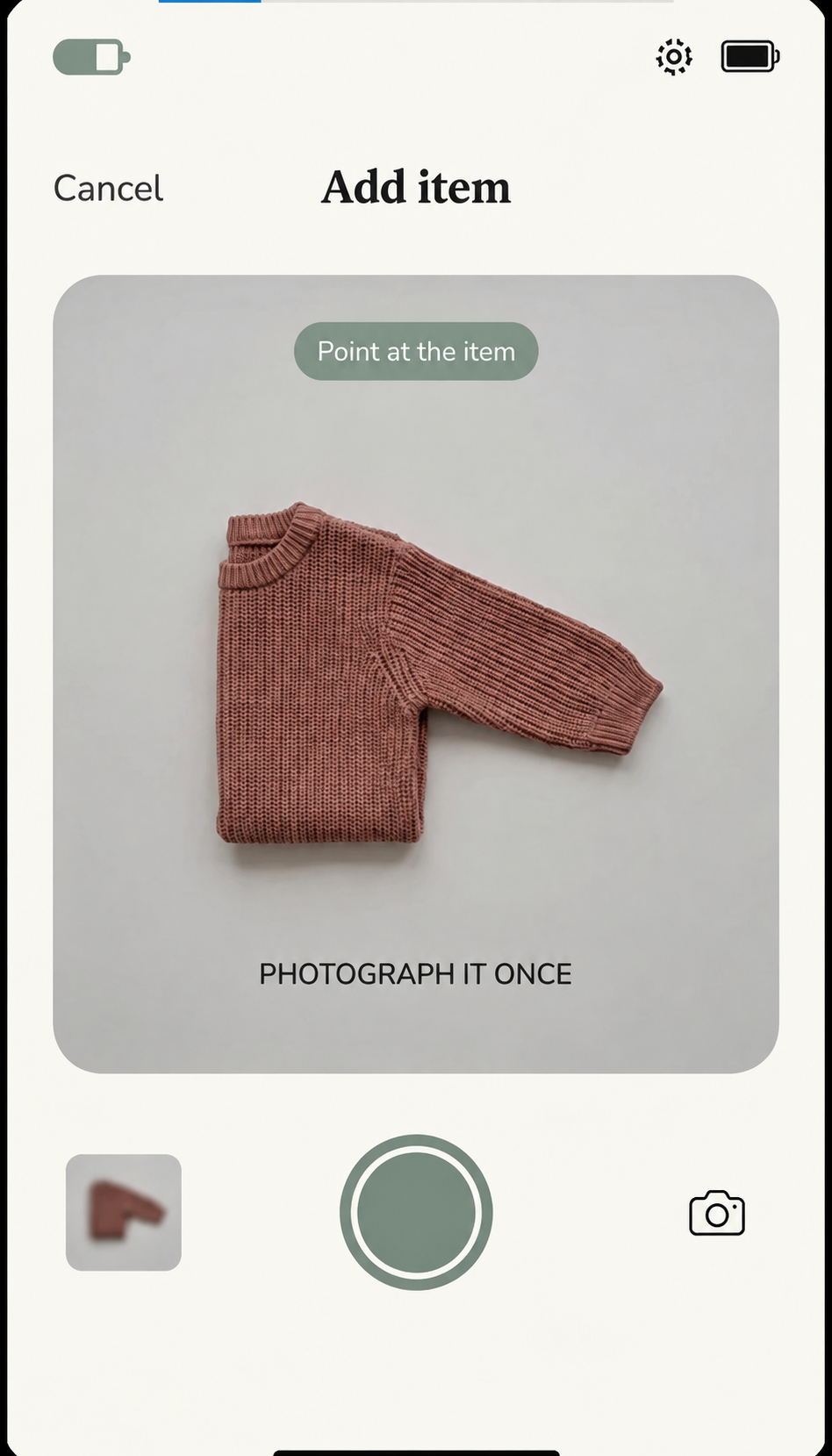
Photograph it
Take one photo of the item you want to remember.
We're looking for 15 UK households to join the Family Things Founding Beta.
Use Family Things in your real household for 7 days, tell us what works, what doesn't and what you'd change — and we'll give you 3 months of Family Things Premium free as a thank-you.
No purchase required. An App Store or Google Play review is not required.
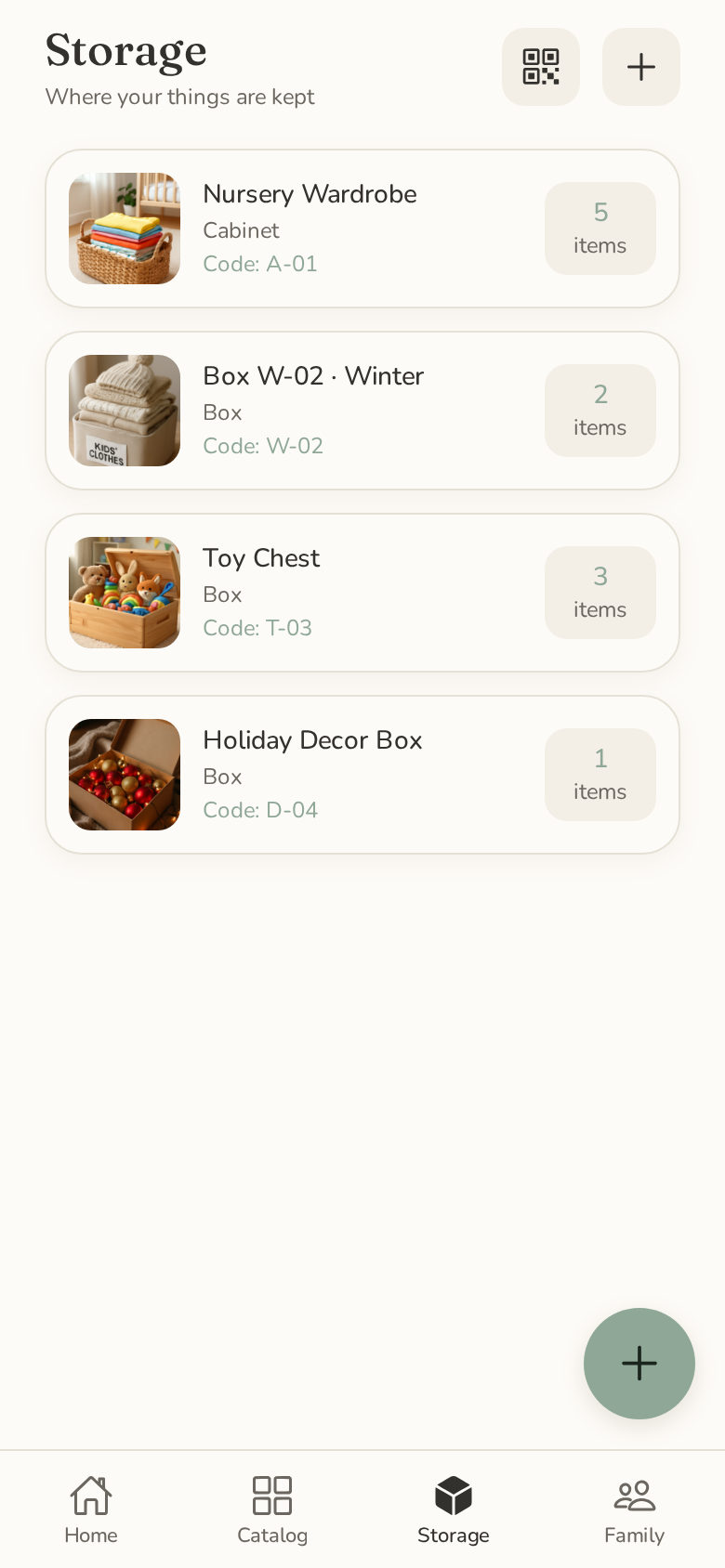
Family Things is designed to help families keep a simple record of what they own and where they've stored it.
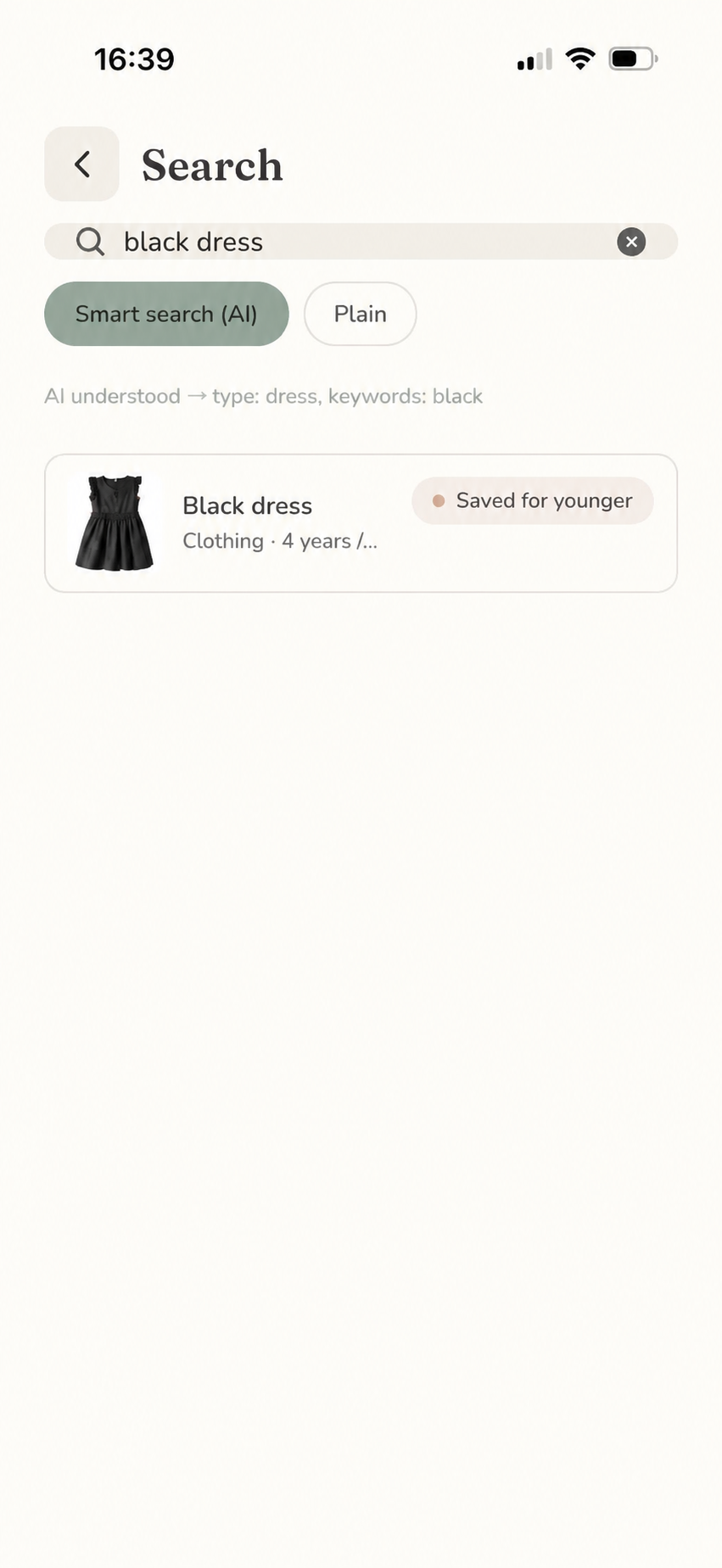
Photograph an item, review the suggested details, record where you put it and search for it when you need it later.
Take one photo of the item you want to remember.
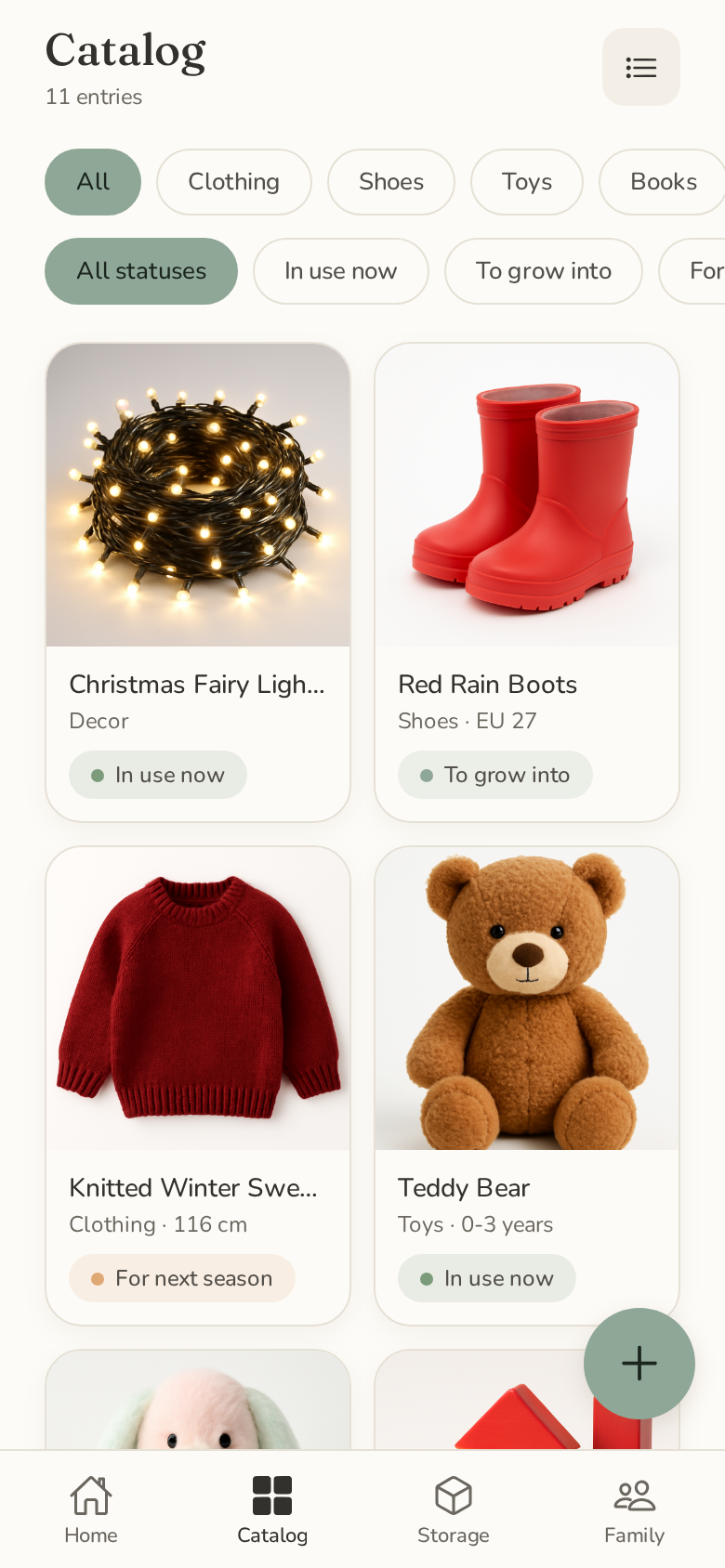
Check and edit the details Family Things suggests.
Save the room, cabinet or box where it lives.
Search to see the item and its saved location.
Create your Family Things account and start your 7-day test.
Add real household items, organise them and come back later to find something you've stored.
Complete a short survey about what worked, what was confusing and what you'd change.
Once you've completed the beta and feedback survey, we'll add 3 months of Family Things Premium to your account as our thank-you.
Please don't reorganise your house for us. 🙂
We want to understand how Family Things fits into real family life — cupboards, storage boxes, children's clothes, toys, seasonal things and all.
For our first beta group, we're looking for people in the UK who use an iPhone or Android phone and would genuinely like a better way to keep track of household belongings.
Tell us a little about your household. We'll review applications manually and contact selected participants by email.
Completing this form does not guarantee a place. No purchase is required, and the Premium thank-you is not conditional on leaving a public review.
We've received your application. We'll review it manually and contact selected participants by email with the next steps.